
Support
How to use MEGA.
Everything you need to get started, plus tips for charging, storage, troubleshooting and safe disposal.
Getting started
Ready in seconds.
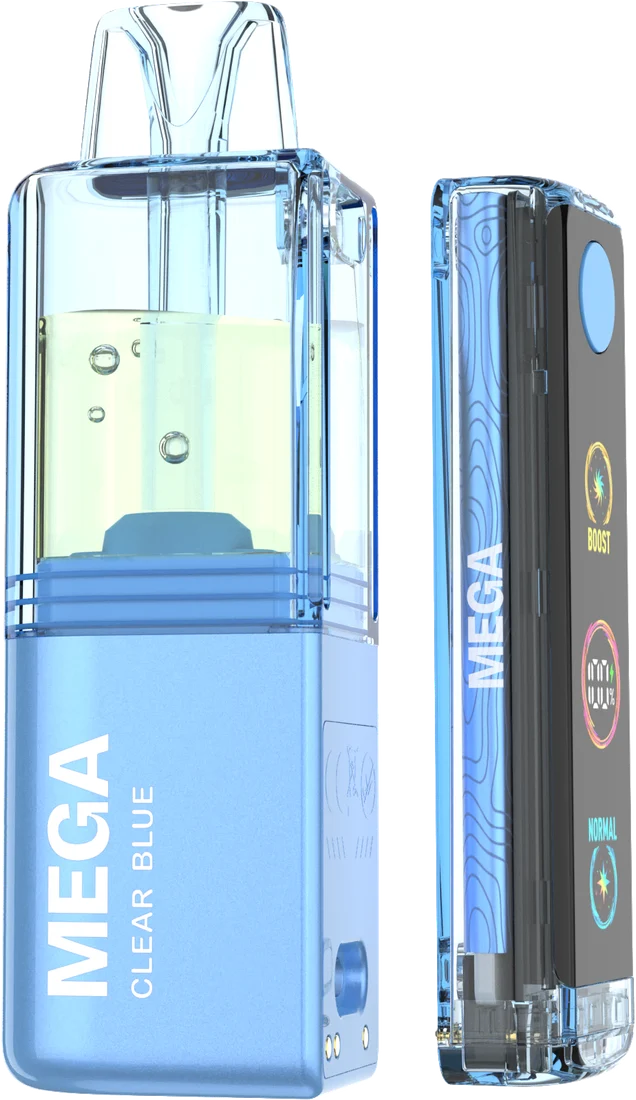
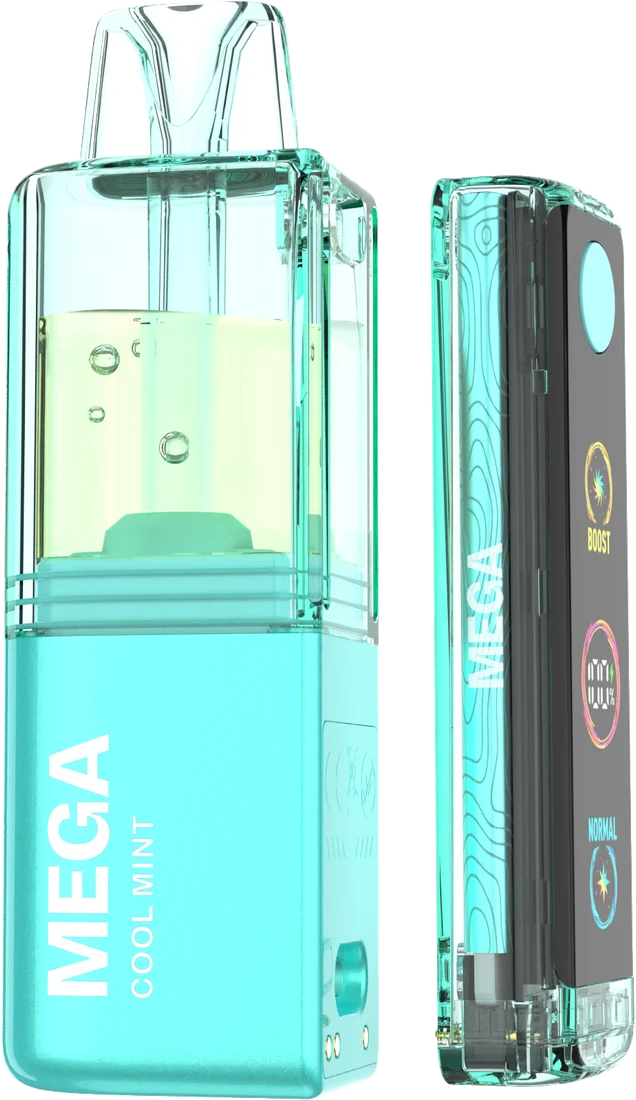
-
01
Unbox
Your kit includes one battery and one pre-filled pod. Take both out and remove any protective seals.
-
02
Snap in and draw
Let the pod snap onto the battery magnetically, then inhale gently from the mouthpiece.
-
03
Pick your mode
Use Normal for smooth, everyday draws or Boost for a fuller hit. The screen shows your mode and battery level.
-
04
Recharge
When the screen shows low battery, plug in a USB Type-C cable and top it up.
-
05
Swap the pod
When a pod is empty, snap in a new one. Take used pods to an e-waste or battery drop-off, never household trash.
Battery
Charging.
- Plug a USB Type-C cable into the port on the battery.
- Use a standard 5V USB wall adapter or computer port. Avoid fast-chargers.
- The screen shows the battery level; unplug when fully charged.
- Never charge unattended, overnight, or near flammable materials.
- Stop using the device if it gets hot, swells or leaks.
Care
Storage.
- Store upright at room temperature, away from direct sunlight.
- Don't leave devices in hot cars or freezing conditions.
- Keep dry. Water can damage the battery and electronics.
- Keep out of reach of children and pets at all times.
Troubleshooting
Something not right?
No vapor or the device won't activate
Check that all packaging and silicone plugs have been removed. Draw gently, because a hard draw can fail to trigger the sensor. Make sure the pod is seated on the battery, then charge it and try again.
Burnt or weak taste
This usually means the e-liquid is running out, or the coil needs a moment to re-saturate. Wait a few minutes between long sessions. If the taste persists, the pod is likely empty and needs replacing.
Gurgling or e-liquid in the mouthpiece
Avoid drawing too hard. Store the device upright and gently tap it, mouthpiece up, to clear excess liquid.
The screen is flashing
A flashing screen usually means the battery is low or a draw lasted too long. Charge the device and keep draws under about 8 seconds.
Still having trouble? Submit a warranty claim or contact support.
Responsible disposal
Done? Dispose of it properly.
Vape devices contain lithium batteries and nicotine residue. They don't belong in household trash or curbside recycling.
-
E-waste drop-offTake used pods and batteries to a local electronics or battery recycling site.
-
Hazardous wasteMany cities run household hazardous waste collection days.
-
Ask your retailerSome stores offer take-back bins for used devices.